






Key takeaways
- Assign edit ownership by business domain and migration stage before configuring synchronization.
- CRM field synchronization does not prove that quoting, approvals, subscriptions, and billing work across both systems.
- Reconcile relationships and business outcomes as well as record counts; resolve differences before expanding the migration.
- A recovery plan must address transactions created after cutover, including actions that cannot simply be undone.
Run HubSpot and Salesforce in parallel during migration by assigning edit ownership for each business domain, testing the required synchronization, and reconciling transactions before cutover. Separate CRM data movement from quoting and billing. A successful parallel run gives users one clear place to act and gives operators evidence that the handoff works.
The broader HubSpot to Salesforce migration guide covers the platform decision and target design. This playbook addresses the transition period: the same customer appears in both systems, a deal is still moving, and someone needs to know where to change its terms.
When is running HubSpot and Salesforce in parallel useful?
Consider parallel operation when a staged handoff reduces a specific business risk. A sales team might move by region while marketing stays in HubSpot. Existing quotes might finish in their original process while new opportunities start in Salesforce. An integration may need validation before it becomes the production route.
Each arrangement needs a boundary. Record the cohort, process, owner, and exit condition. “Both systems are live until everyone is comfortable” leaves every exception open to interpretation.
A small, contained migration with a rehearsed import and an acceptable interruption window may suit a direct cutover. Keeping two writable systems can add more operational work than the transition justifies. Choose the approach after inspecting dependencies and recovery options.
Who should own each field and transaction?
Assign authority at the level where decisions differ. “Salesforce owns customers” is too broad if HubSpot still captures marketing preferences and the billing system controls invoice addresses.
Use this illustrative ownership matrix, then replace every example with your actual process. These are design choices, not default connector behavior.
| Domain | During the pilot | After sales cutover | Acceptance evidence |
|---|---|---|---|
| Opportunity stage and forecast | Salesforce for pilot accounts; HubSpot for remaining accounts | Sales team edits Salesforce | Stage changes reach permitted reports without creating another opportunity |
| Marketing preferences | Designated marketing process controls changes | Retained marketing process remains authoritative | Preference changes reach every downstream process that uses them |
| Open quotes created before the pilot | Original quoting process retains edit control | Finish there or migrate under an explicit exception | Approved terms, document versions, and customer responses remain traceable |
| New quotes for pilot accounts | Designated target quoting process | Target quoting process | Approval, order handoff, and billing inputs agree |
| Invoices and payment status | Billing system | Billing system | CRM displays the intended status without issuing another invoice |
Add named owners, record-selection rules, and permitted writers beside this matrix. An integration, import job, or workflow can write data even when users have stopped editing it.
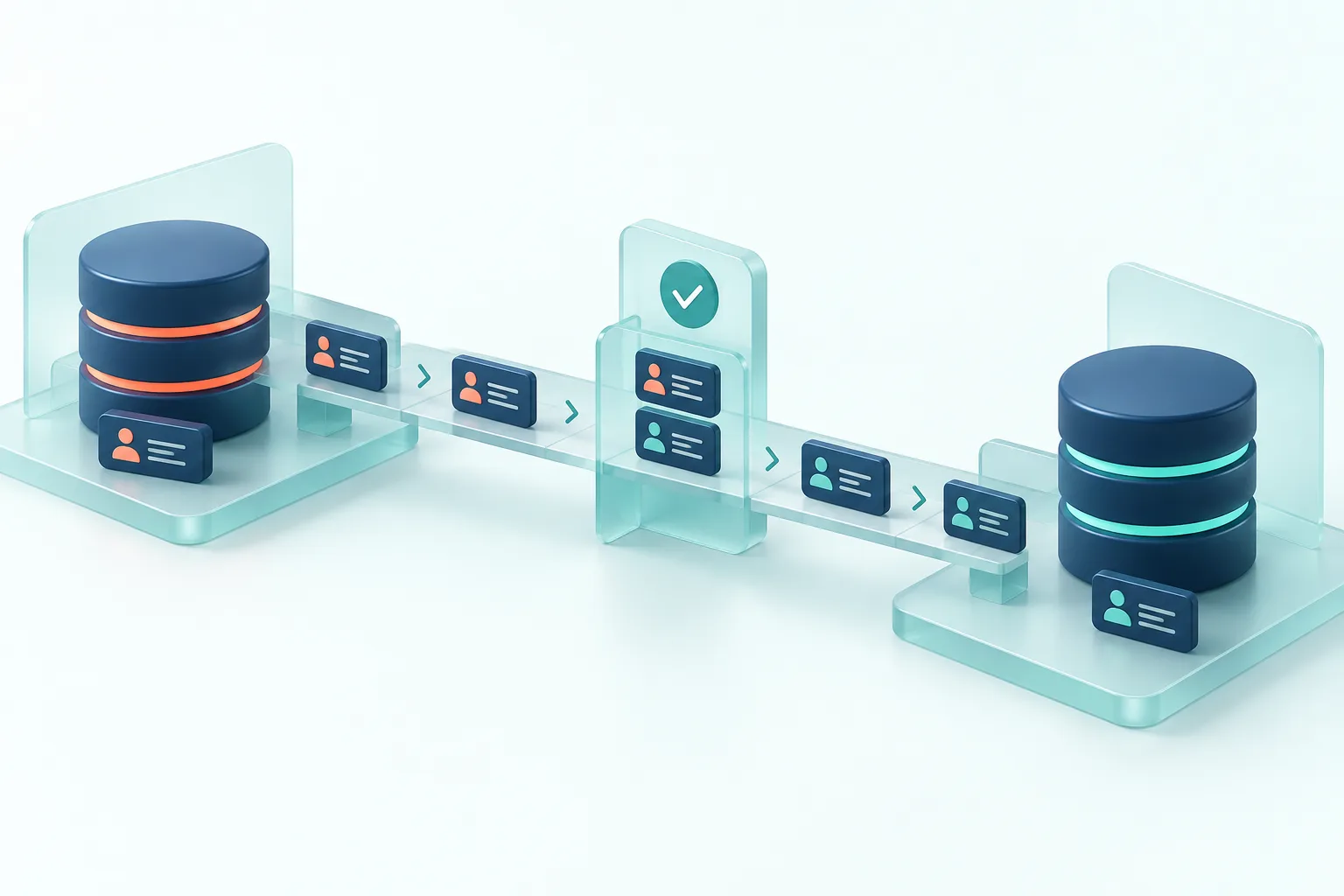
How should you configure synchronization without creating conflicts?
Export the proposed field mappings and review each against the ownership matrix. Record source and target API names, data types, conversion rules, required values, blank handling, conflict behavior, and the process allowed to create records.
HubSpot documents several field synchronization rules, including two-way updates. Its Owner mapping has specific restrictions, and newly added mappings do not automatically synchronize existing values. Test initial synchronization separately from subsequent edits. Do not assume a field’s visible dropdown offers every control your design requires.
Two-way synchronization can serve a real shared editing requirement. Test competing updates and decide whether its conflict rule matches the business. Where one team owns a value, restrict other writers through an appropriate combination of permissions, process, and supported integration controls.
Keep identifiers from both systems and test repeat processing. A rerun should update the intended record without creating another one. Test merges, deletions, changed email addresses, inactive owners, and records that fail validation. An email address alone is a fragile migration key.
What changes when quotes, CPQ, and subscriptions are involved?
A synchronized deal amount proves little about how the amount was calculated. Quote lines, discounts, approvals, document versions, contract terms, and amendments may belong to different objects and processes.
Identify the exact quoting products and versions in use. “HubSpot quoting” and “Salesforce CPQ” are insufficient integration specifications. Then map the commercial journey from quote creation to acceptance, order, invoice, amendment, and renewal. Verify each handoff in the configured products and connector; record gaps that need another integration or a controlled manual step.
HubSpot’s opportunity synchronization documentation describes CRM deal and opportunity behavior. It does not establish that an entire quote-to-cash process transfers with those fields. The same documentation notes that currency values are synchronized without exchange-rate conversion, so test currency identity and interpretation explicitly.
For open quotes, choose a rule: finish in the original quoting process, recreate with reviewed terms in the target, or migrate through a validated procedure. Avoid having both systems issue revisions of the same customer-facing quote without a shared version and approval policy. For subscriptions, retain the relationship to the agreement that controls future amendments and renewals.
What should you reconcile during the parallel run?
Compare the same population at the same business cutoff, allowing for documented processing delay. Counts catch missing records; they do not catch a contact associated with the wrong company or an opportunity in the wrong currency.
Keep a reconciliation log with the record identifiers, expected state, observed state, cause, owner, and retest result. Include:
- Record counts and excluded populations, broken down by cohort and object.
- Account, contact, opportunity, and quote relationships.
- Stage, owner, currency, and relevant totals under the agreed business definitions.
- Failed or pending messages, retry outcomes, and duplicate creation.
- Marketing, approval, billing, and provisioning actions triggered by the same event.
A clean total can conceal offsetting errors. Trace representative transactions through their relationships and inspect every unresolved difference that could affect a customer commitment or financial process.
How do you rehearse cutover and recovery?
Rehearse the actual sequence in suitable test environments with representative data and controlled external effects. Record environment differences so the rehearsal’s limits remain visible.
This is an illustrative rehearsal record, not a completed client test.
| Step | Evidence to collect | Reason to stop or investigate |
|---|---|---|
| Pause designated writers | Named jobs, integrations, and user paths are accounted for | New transactions still enter the old path |
| Process the agreed final changes | Source cutoff, target results, and unresolved error list | Missing records or unexplained differences |
| Switch business entry points | A form, sales edit, and integration message reach the intended destination | Either route creates duplicates or loses required context |
| Exercise quoting and order handoff | Approved terms and downstream identifiers remain linked | Duplicate commitment, missing approval, or wrong commercial terms |
| Exercise recovery | Tested steps for metadata, data, and pending transactions | Recovery assumes that restoring configuration reverses external actions |
Define who can stop the migration and how sales, operations, and support receive that decision. The procedure must say what happens to transactions created after the switch. Restoring an earlier configuration does not retract a sent quote, reverse a payment, or recover every intervening edit. Some failures require reconciliation and corrective transactions rather than a simple reversal.
What are the key takeaways for your migration plan?
- Give each process an owner and each cohort a clear editing destination.
- Validate initial loads, ongoing synchronization, and commercial handoffs separately.
- Make unresolved differences visible before widening the migration.
- End parallel sales operation against acceptance evidence, while documenting any permanent HubSpot role.
Use your internal architect if the scope and dependencies are already clear. If ownership decisions span sales, marketing, finance, and delivery partners, Tucario’s Salesforce strategy and architecture advisory can help define the transition and acceptance criteria. Our partner evaluation questions also help you ask who will prove each handoff works.
What else should you know before running both systems?
Can HubSpot and Salesforce run in parallel during a migration?
Yes, when each migrated process has an agreed owner, tested synchronization rules, and a reconciliation procedure. Parallel operation is an option to evaluate against a direct cutover, not a requirement for every migration.
Should HubSpot and Salesforce synchronization be bidirectional?
Choose synchronization rules field by field, based on who may edit the data and how conflicts should resolve. Two-way synchronization can be appropriate, but it needs tested behavior for competing updates, blank values, and record ownership.
Can both systems create quotes during the transition?
Only use both quoting paths when you have explicitly separated their scope and tested the handoff to orders, billing, and renewals. CRM synchronization alone does not establish compatibility between quoting products or preserve their commercial rules.
What determines when the parallel run can end?
End it when the agreed business journeys work in the target system, reconciliation differences are resolved or accepted by accountable owners, and support can operate the new process. Keep any retained HubSpot marketing capability under a separate, documented ownership model.

Michał Bajdek
Co-Founder, Tucario
Co-founder of Tucario, a Salesforce consulting and product engineering firm. Works across enterprise Salesforce delivery — architecture, integrations and AppExchange products — and writes about what holds up in production.